
Accessibility
The accessible guesthouse and the castle building with its seminar rooms and the Castle Tavern also offer people with disabilities excellent opportunities to organise educational and cultural programmes themselves or to take part in them. Many of the outdoor activities we offer can be used barrier-free, depending on the type and extent of the disability.
For us, accessibility starts with good room acoustics in seminar rooms, large projection surfaces for better visibility, and accommodating food and drink intolerances—right through to temporary impairments, e.g. after sports accidents, and permanent physical and mental limitations.
…even if you happen to have forgotten your reading glasses, we will be happy to provide a replacement at reception!
accessible
through
and through
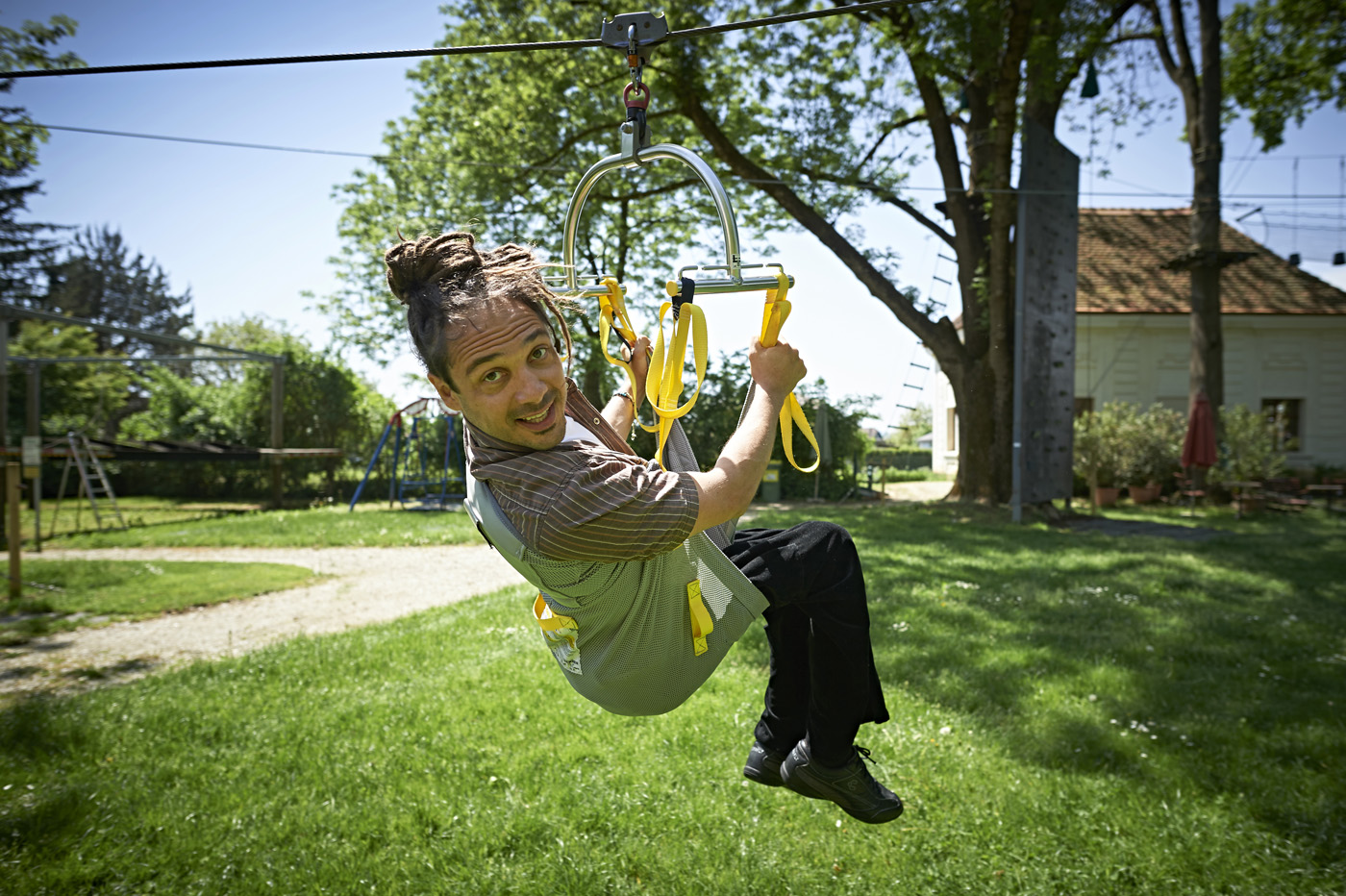
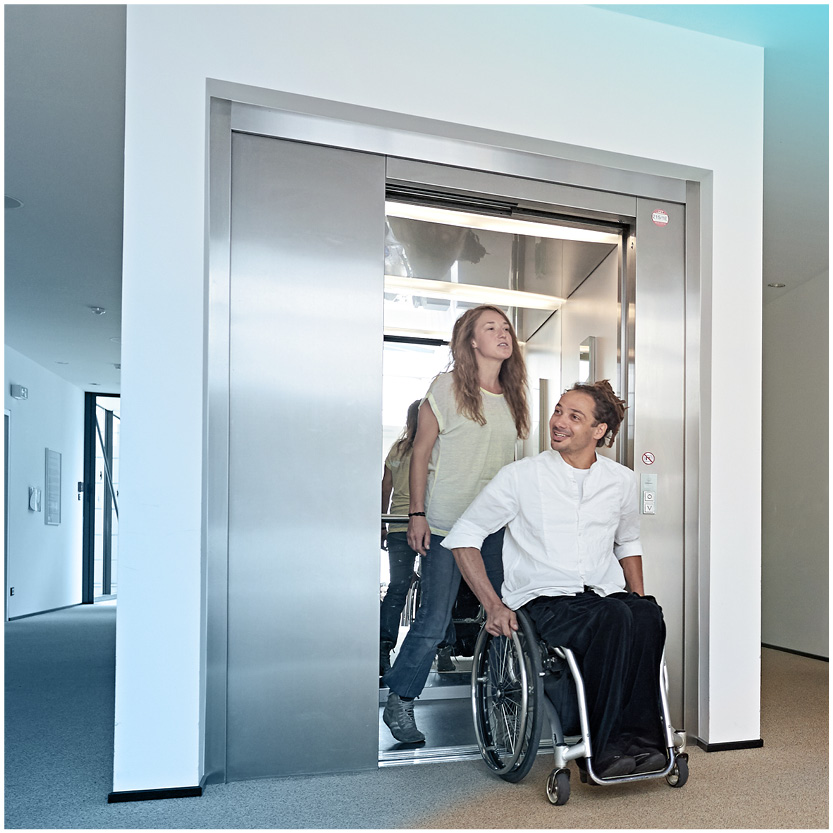
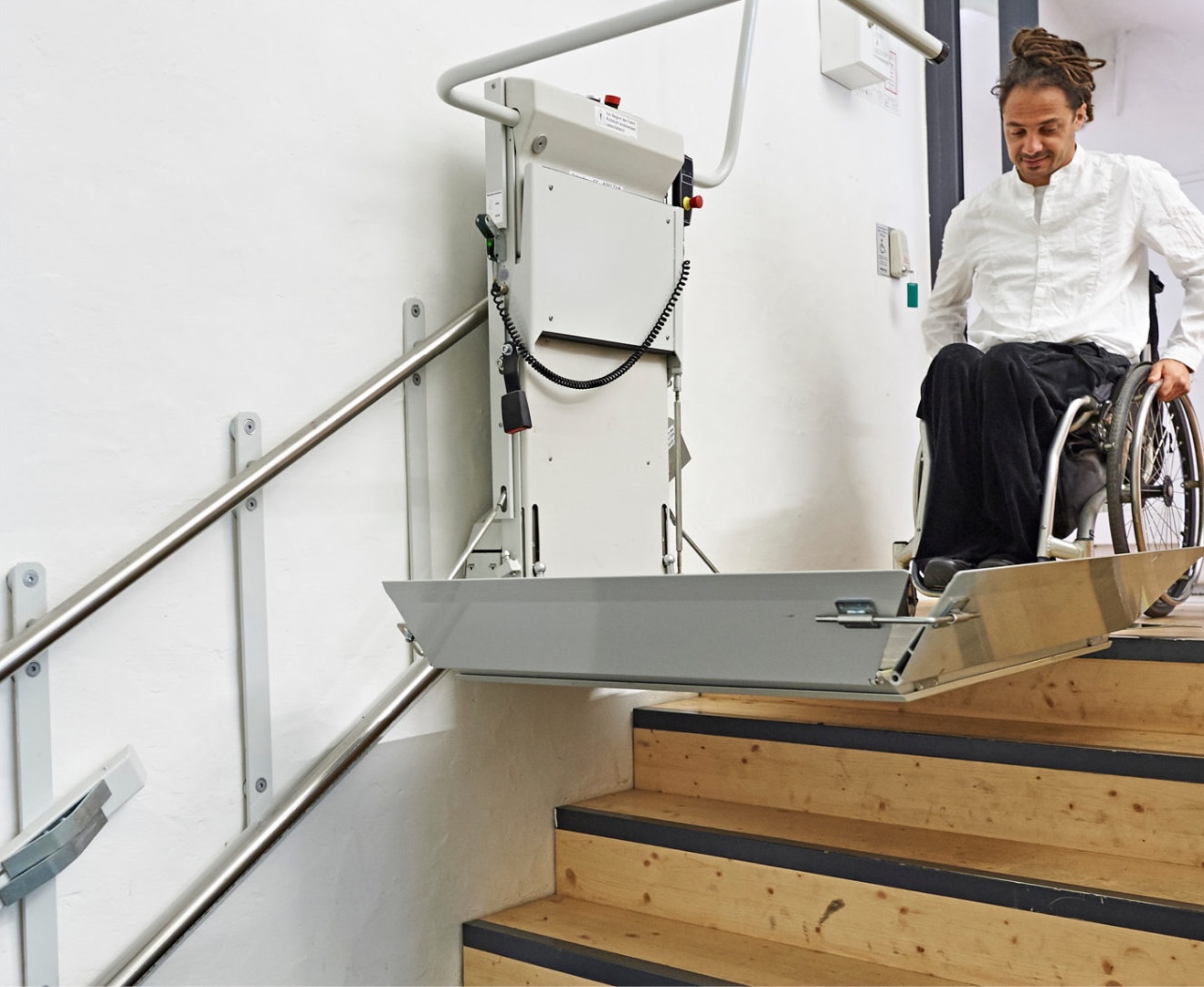
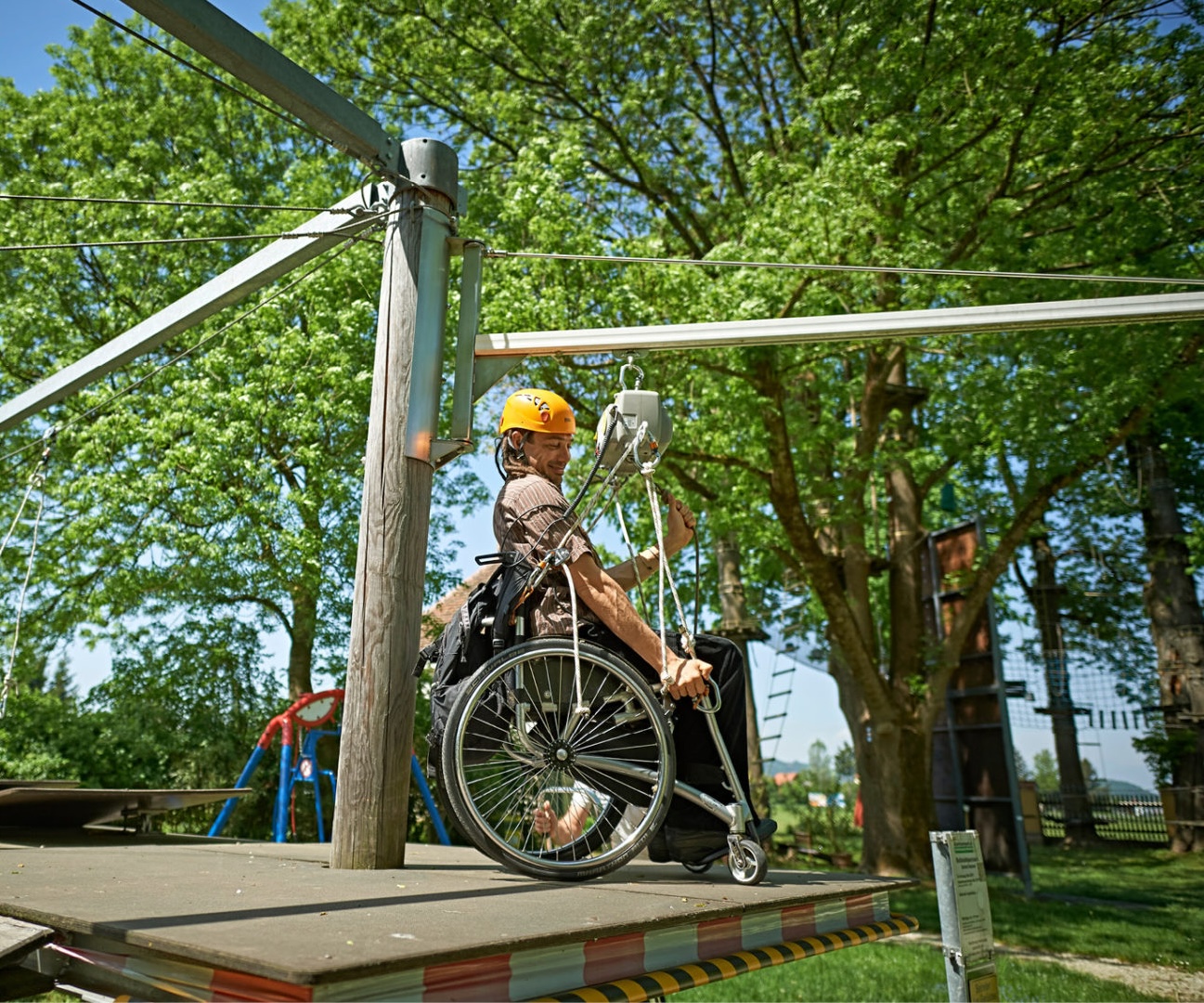
Simple – inclusive – accessible
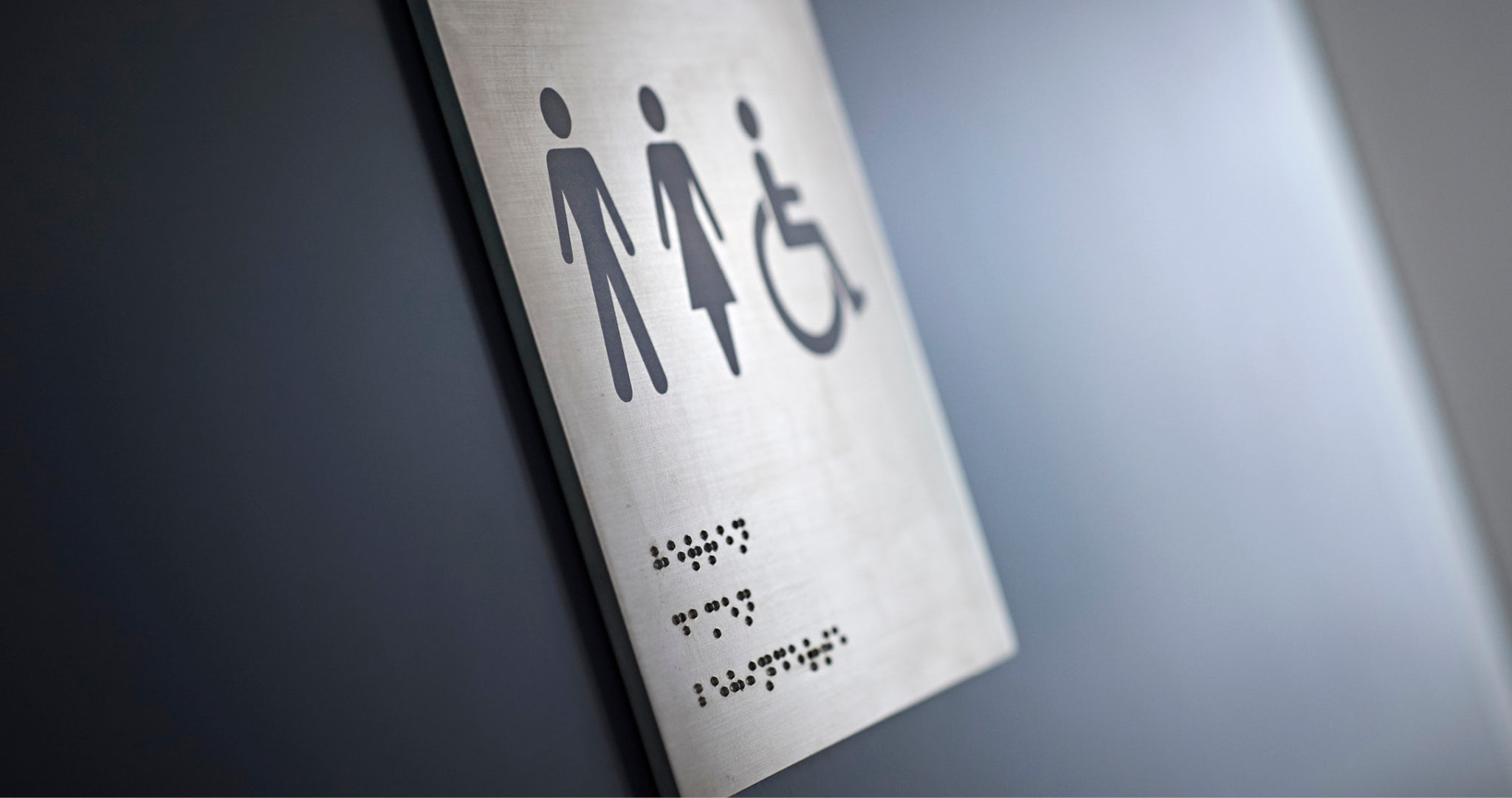
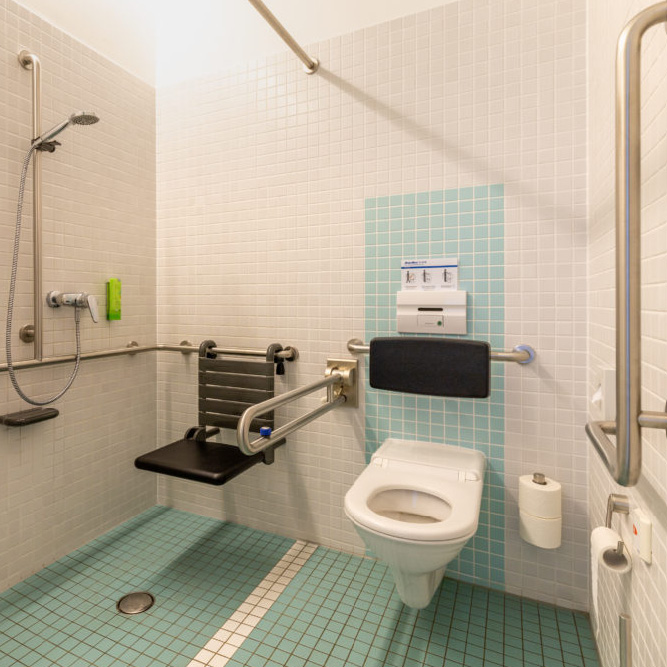
We want to enable as many people as possible to take part in all our services. Our guests should be able to find their way around and move about our premises as independently as possible. This starts with arrival, the main entrances, lifts, toilet facilities, and continues in the accessible rooms as well as the seminar and group rooms. In the inner courtyard, our guests will find a step-free tavern and an outdoor seating area with arcaded walkways that can be used with wheelchairs. See for yourself and join us on a tour of the accessible castle!
Information on the website’s accessibility
This website has been optimised in accordance with the European standard EN 301 549 and follows the Web Content Accessibility Guidelines (WCAG) 2.1, conformance level AA. We implement numerous accessibility requirements and achieve an acceptable level of accessibility so that the content is accessible to as many users as possible.
In addition to the measures already implemented, the following should also be possible:
- Enlarging the website content
- Navigating most of the website using only the keyboard
- Navigating most of the website using assistive technologies
- Adjusting contrast / brightness / saturation / colour inversion
- Switching to readable fonts
- Changing line height and character spacing
- Focusing links
- Stopping animations
- Having the page read aloud